VOLVER
Cómo crear un empleado?
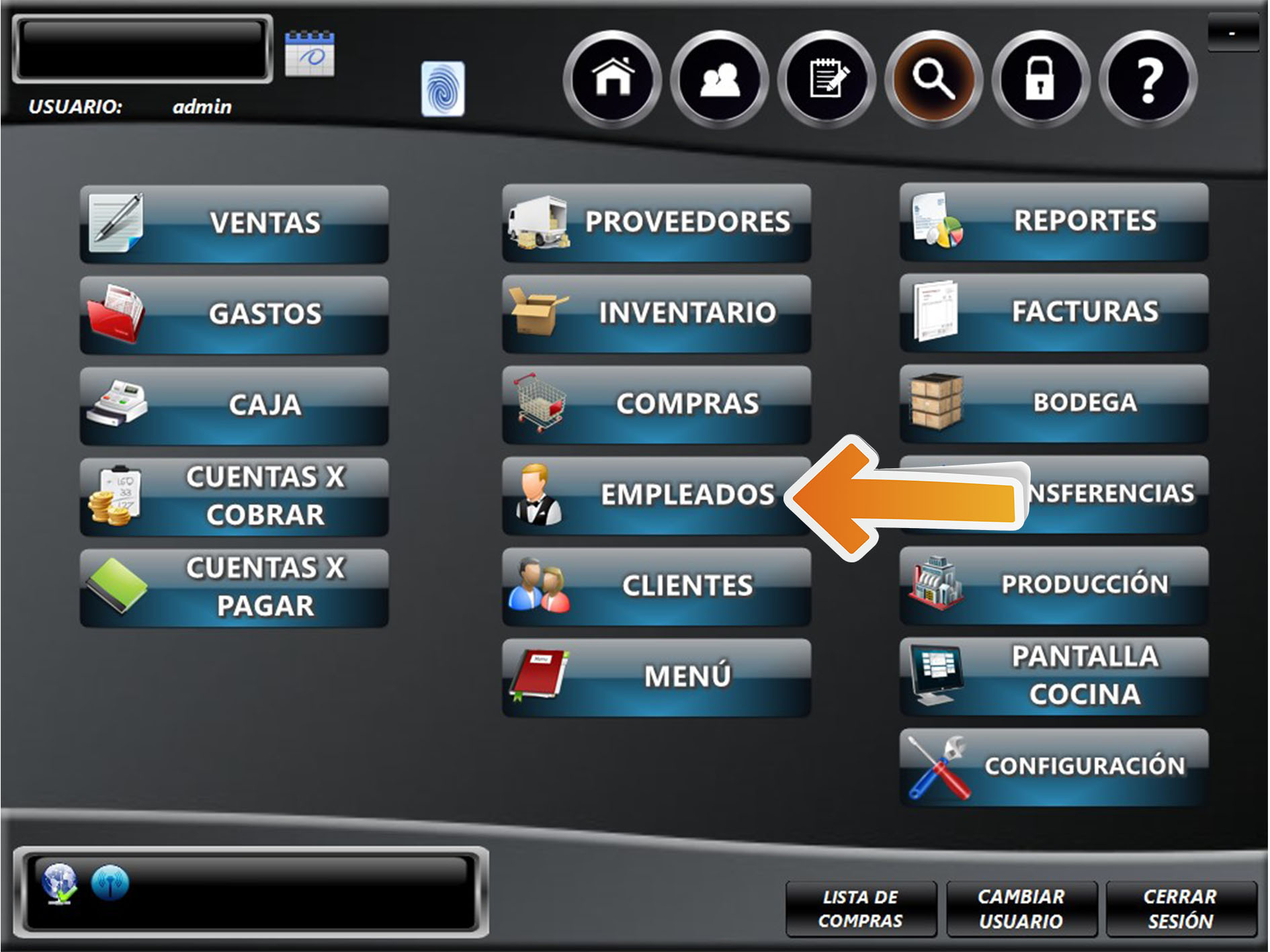
Para crear un empleado, ingrese al módulo EMPLEADOS.
SIGUIENTE
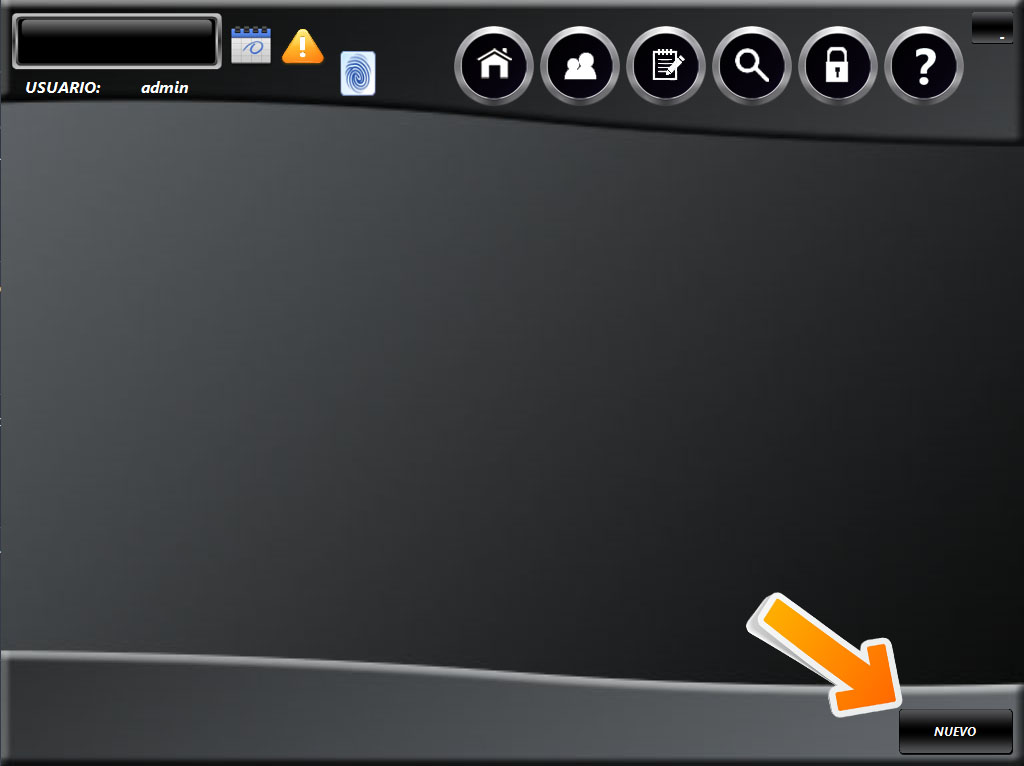
Clic en el botón "NUEVO".
SIGUIENTE
Ingrese los datos del empleado. Nombre y cédula son datos obligatorios. Para finalizar, clic en el botón "ACEPTAR".